
Phoenix Display · Application engineering
Medical-device displays
Medical-device display selection starts with the intended use and risk analysis. Readability, alarm presentation, cleaning compatibility and electrical integration should be evaluated in the complete device—not assumed from a module's display technology.
Interface use cases
- Device control panels
- Handheld instrument interfaces
- Equipment status displays
Before you select a module
- Human factors
- Validate text, symbols, contrast and alarm presentation for the intended users and lighting conditions.
- Cleaning and optics
- Specify cover-lens materials, sealing and disinfectant exposure; verify compatibility with the assembled device.
- Regulatory responsibility
- No linked module is represented as medically certified or diagnostic-grade. The device manufacturer must establish applicable safety, EMC and regulatory evidence.
Working on a medical-device product?
Tell an engineer what the product does and where it's used. You don't need a finished spec.
Ask an engineerModule candidates to evaluate
Selected for their recorded format, optics or interface—not certified suitability for this application. Open the original specifications and confirm environmental, electrical and qualification requirements with engineering.
3 candidates
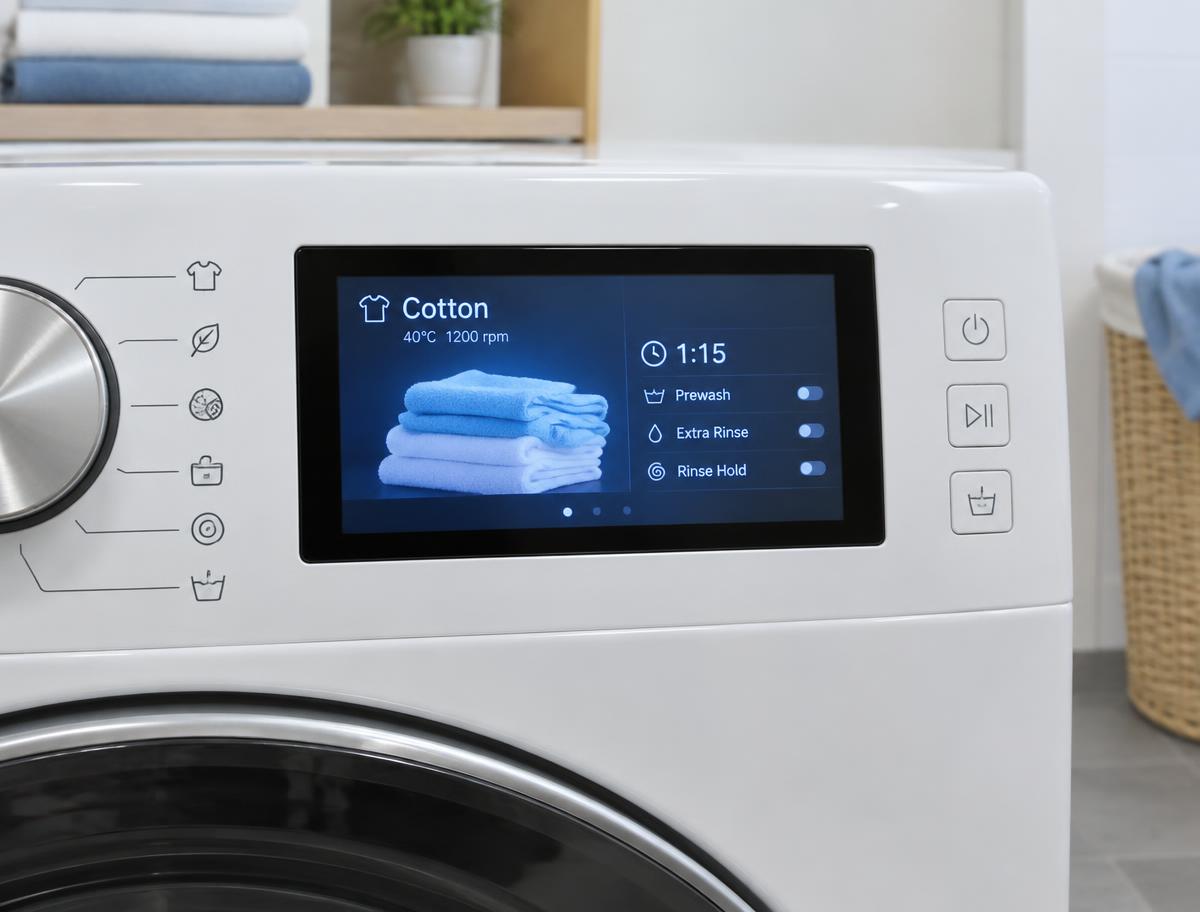
Color TFT
PDI043WQCH-13C
Recorded 4.3-inch format and MCU interface for a compact graphical control panel.
- Display Resolution
- 480 * RGB * 272
- Diagonal
- 4.3″
- Interface
- MCU
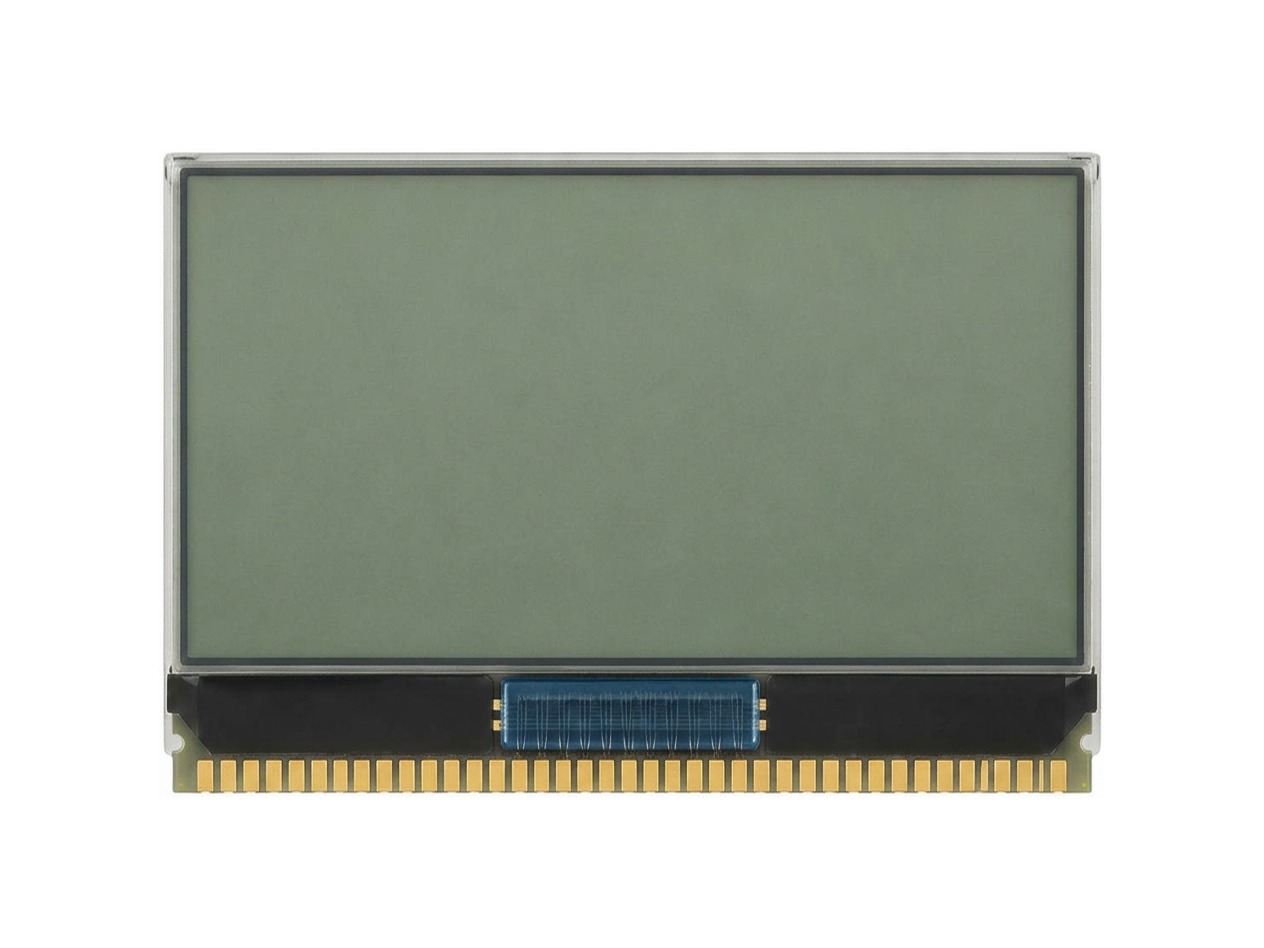
Monochrome
G-12864H9G-VA
Recorded 128 × 64 graphic format for a simple monochrome instrument interface.
- Display Format
- 128 x 64 Graphic Display
- Diagonal
- 1.00
- Display Type
- R,TF,TM
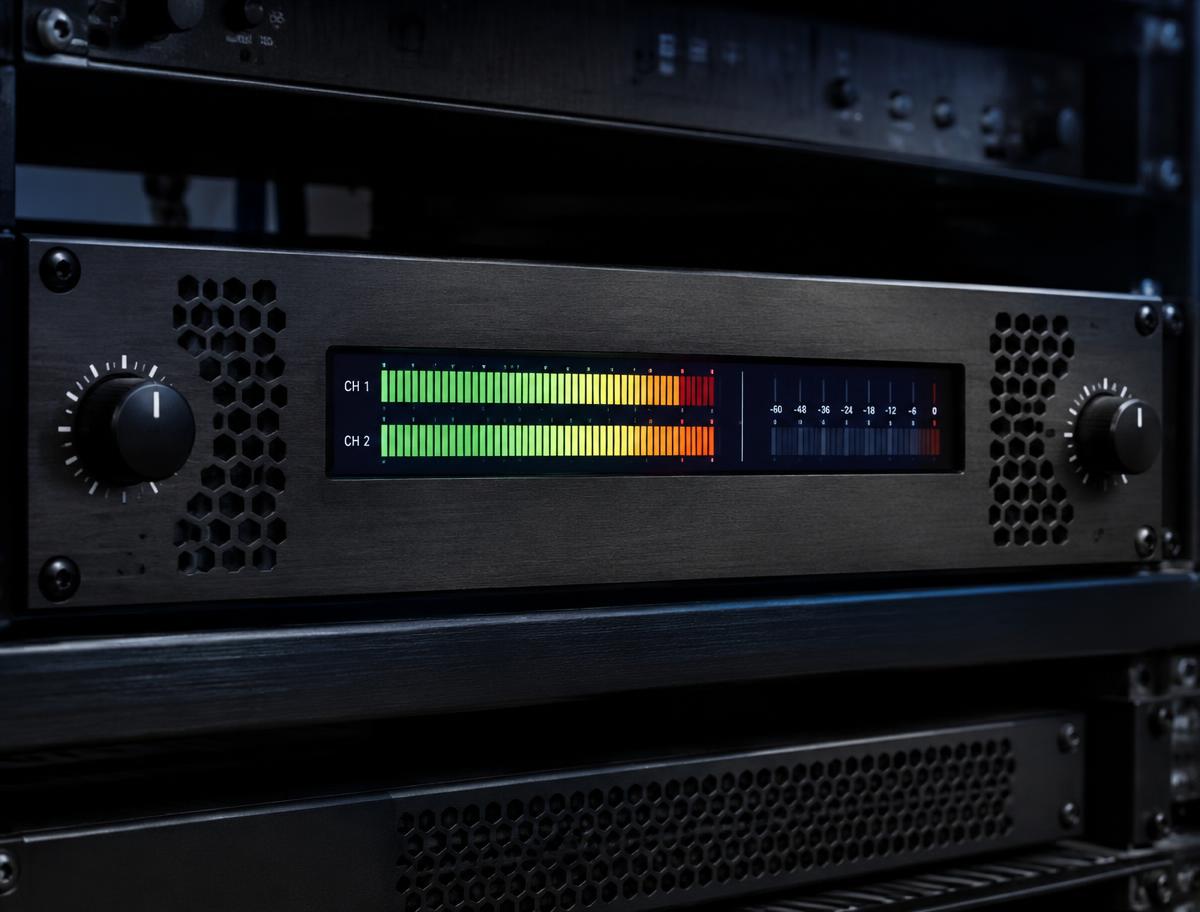
Color TFT
PDI039QWQ01HS
Recorded 480 × 128 format for a shallow status panel; validate readability in the complete device.
- Display Resolution
- 480x128
- Diagonal
- 3.9
- Interface
- RGB