
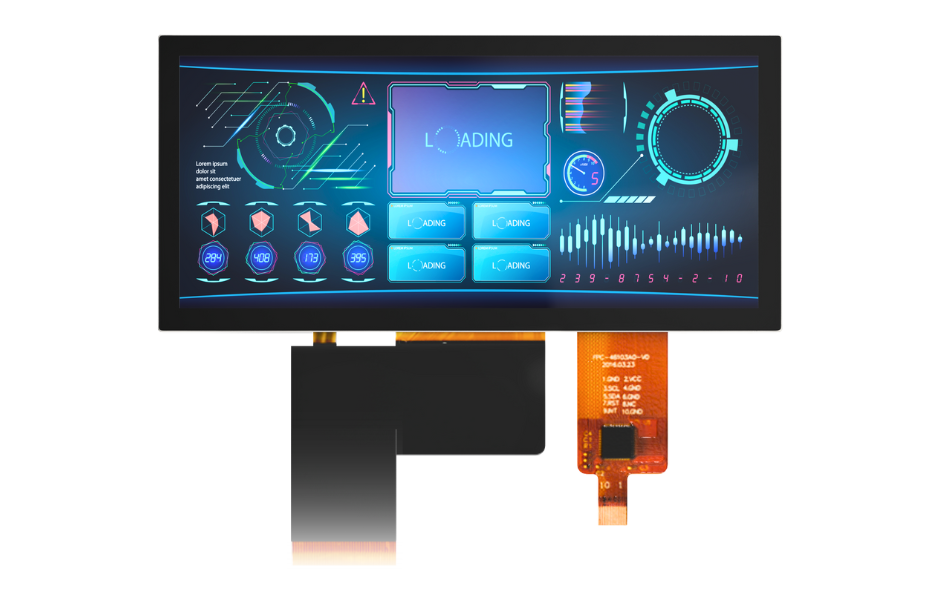
A display can pass a bench demonstration and still disappoint in the finished product. The lens, enclosure, power design, software and operating environment all affect the result. Performance requirements should describe the user’s task and the complete assembly, not just the panel’s headline specifications.
Start with what the operator must see and do
Define viewing distance, orientation, ambient lighting and the information that must remain legible. A service menu indoors and a control panel in direct outdoor light are different tasks. Text size, color contrast and viewing position can matter as much as the module specification.
Check the display through the intended lens, coatings and air gaps. Reflections and optical losses can change the apparent result. Compare candidate assemblies under representative conditions rather than declaring one brightness value sufficient for every outdoor application.
Review the electronics as a complete interface
The host processor, display interface, cable and software must agree on format, timing and startup behavior. A matching resolution alone does not establish compatibility. Texas Instruments’ display-interface guidance is useful background for understanding how interface choices connect to a processor-based design.
Check power sequencing, signal integrity, cable routing and recovery from interrupted power. Run the actual application patterns rather than only a static demonstration image. If touch is included, test with the intended lens and real operator conditions, including gloves or moisture where applicable.
Test the thermal and mechanical reality
A brighter backlight can affect power consumption and the heat that must leave the enclosure. Processor and power-system heat also influence the assembly. Establish the intended operating conditions, then measure the installed system rather than relying solely on a room-temperature bench result.
Confirm mounting support, tolerances and cable strain so the enclosure does not introduce avoidable stress. Qualification should follow the finished product’s requirements; there is no single universal test sequence for medical equipment, industrial controls and marine instruments. Capture the required conditions in the display brief before selecting parts.
Bring this to your next program review
- Describe the operator’s task, lighting and viewing position.
- Evaluate readability through the final optical stack.
- Verify interface, power sequencing and recovery behavior.
- Test thermal and mechanical conditions in representative assemblies.
References & further reading
- Display Interfaces: A Comprehensive Guide to Sitara MPU Visualization Designs
- Thermal Design Guide for DSP and ARM Application Processors
Application-specific requirements and acceptance criteria need engineering confirmation.